

Web to MCP
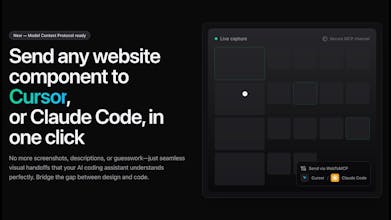
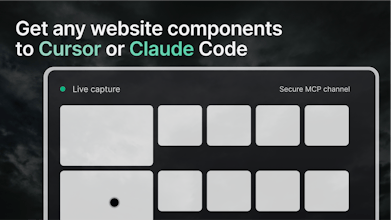
Send any website components to Cursor or Claude via MCP
357 followers
Send any website components to Cursor or Claude via MCP
357 followers
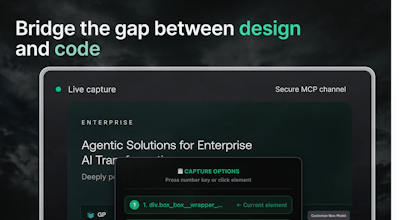
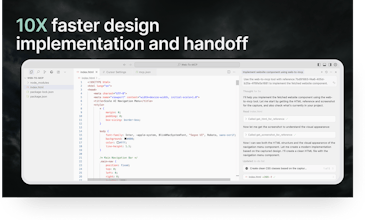
Bridge the gap between design and code. Send pixel-perfect website components directly to Cursor or Claude Code using Model Context Protocol (MCP). No more screenshots or descriptions needed.
Lancepilot
Huge congrats on launching Web to MCP. Bridging design and code this seamlessly is a real game changer. Excited to see how devs and designers use it to speed up workflows and cut out the messy middle steps. Wishing you lots of traction and adoption ahead.
Web to MCP
@priyankamandal Do try it out and let us know your feedback also
Pylar
Web to MCP
@hoshang_m Thanks a ton man!!
This seems to solve my problem of continuous reiterations.
Web to MCP
@pshimanshu ✌️
GraphBit
No more “make it like Stripe’s button” fails, What’s been the most common component people grab first?
Web to MCP
Great to see someone tackling this - even the designer in me appreciates the convenience this brings in replicating the stuff we see on websites to our own work.
Kudos on the launch!
Web to MCP
Bridging design-to-code with actual component data instead of screenshots is genius. As someone who's built learning tools at Hyperskill, I know how much time gets lost in translation between design and implementation. The MCP integration makes this seamless for Cursor workflows.
Web to MCP
CodeDesign.ai
Congrats on the launch!!
just curious on a small thing,. How does the product handle cases of interactive elements. For example - lets take case of google search UI, in that there is a button `AI Mode`, hovering on it shows a colored border with an animation. does the tool provide proper output in such cases? (this is just for an example, actual case may be a bit more complex components, maybe interactive/multi step form etc)
defaukt:
hover: