


Why DevScribe Is More Than Notes: An All-in-One Offline Workspace for Developers
Modern software development is no longer just about writing code.
It’s about designing systems, documenting decisions, testing APIs, querying databases, and keeping everything connected.
Most developers today juggle multiple tools:
A note app for documentation
Postman for APIs
DBeaver or DataGrip for databases
Draw.io or Excalidraw for diagrams
This constant context switching slows teams down.
That’s exactly the problem DevScribe is built to solve.
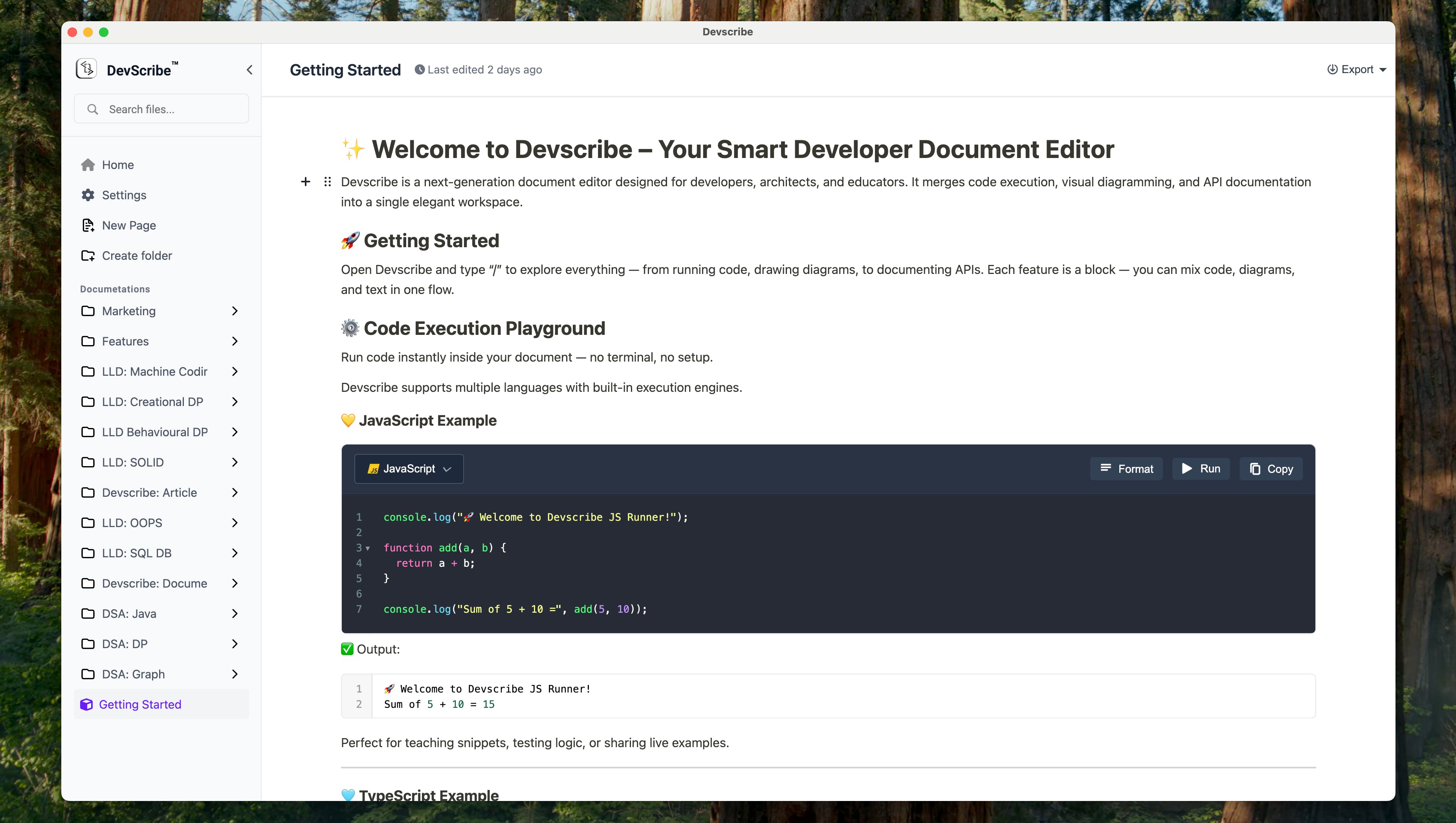
🚀 What Is DevScribe?
DevScribe is an offline-first developer workspace where you can:
Write and maintain project documentation
Run and document database queries
Design system diagrams (ERD, HLD, LLD, UML, sequence)
Test APIs like Postman
Keep everything organized in one project folder
All without jumping between tools.
🗄️ Built-in Multi-Database Support
Unlike traditional note-taking tools, DevScribe lets you execute real database queries inside your documentation.
Supported Databases
MySQL
SQLite
PostgreSQL
MongoDB
Elasticsearch
You can:
Write queries next to explanations
Save query results
Document schema decisions
Visualize database structure
This means your database knowledge lives with your project docs, not scattered across DB tools.

📊 Diagram Library Designed for Engineers
DevScribe’s diagram library is not a generic whiteboard.
It’s purpose-built for software architecture and system design.
Supported Diagram Types
ERD (Entity Relationship Diagrams)
HLD (High-Level Design)
LLD (Low-Level Design)
Class diagrams
Sequence diagrams
Data structure diagrams
These diagrams stay directly connected to:
APIs
Database schemas
Documentation
Perfect for onboarding, reviews, and long-term maintenance.

🔌 Postman-Like API Testing Inside Documents
DevScribe includes a Postman-style API interface built directly into your workspace.
You can:
Define API requests
Execute and test APIs
Document responses
Keep APIs close to related docs and diagrams
No more switching between Postman and your documentation tool.

📁 Flexible Project Organization
Every team works differently, and DevScribe supports that.
You can:
Keep everything in one document
Or split into multiple files:
API definitions
Documentation
Diagrams
Database queries & schemas
All files live inside a single project folder, making sharing and collaboration easy.

🔐 Offline-First by Design
DevScribe is fully offline.
Your data stays on your machine
No forced cloud sync
Ideal for:
Secure environments
Enterprise teams
Developers who value data ownership
Unlike cloud-first tools, DevScribe works even when you’re disconnected.
🎯 Who Is DevScribe For?
DevScribe is ideal for:
Backend developers
System architects
Tech leads
Full-stack engineers
Teams tired of juggling tools
If your workflow includes docs + diagrams + APIs + databases, DevScribe fits naturally.
Replies